Developer
Digital Humans System for Mindtech Chameleon
I was lead developer & technical artist on the new Digital Humans system for Mindtech Chameleon, an AI/ML Synthetic Data application (not generative AI). The new system provided runtime and Unity Editor tools to create, modify and deploy customisable human actors within real-time 3D scenarios. The result was a huge improvement in human actor visual quality, and improved efficiency of the art production pipeline. I also delivered training on the new Unity Editor tools to the Technical Art team, and guided Junior team members.
Measurable Impact
- Replaced out-dated human actor system.
- Improved visual quality and performance of human actors.
- Improved ability to generate human actor variations.
- New Unity Editor tools include:
- Mesh tools enabling direct editing of blend shapes, vertex masking and more.
- Simplified actor asset setup.
- New Clothing/Hair asset management tools.
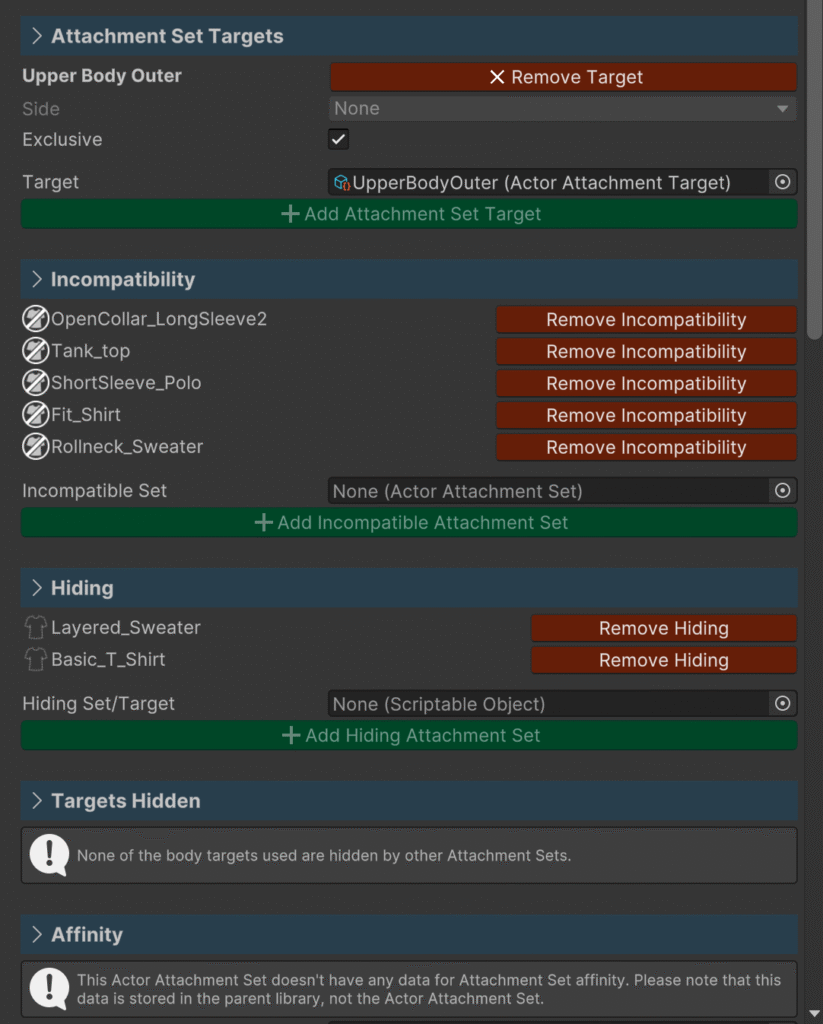
- Clothing/Hair compatibility/hiding/fitting system.
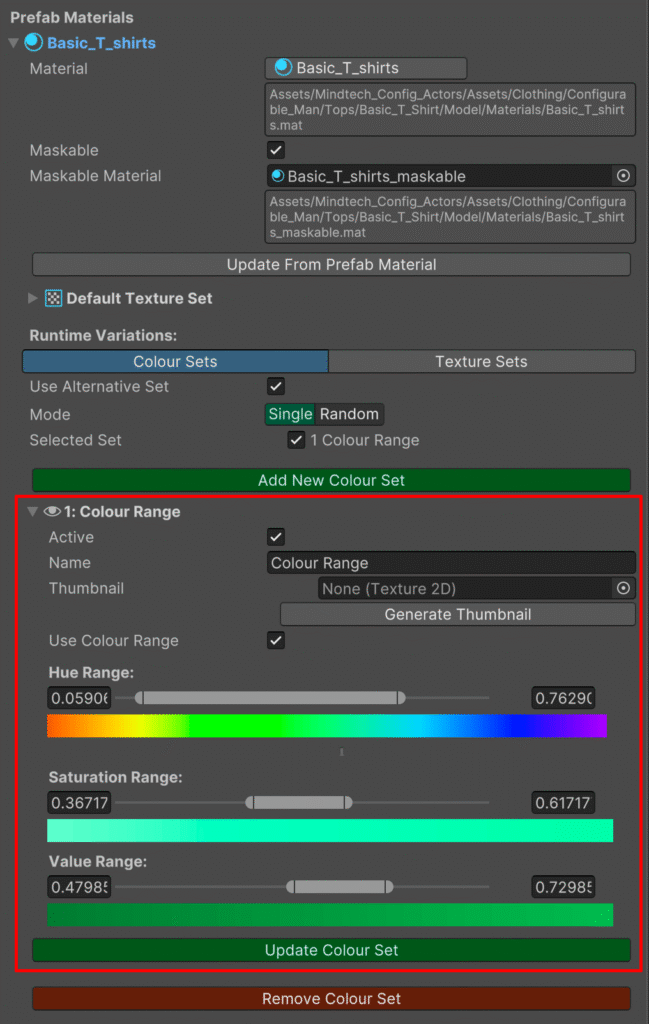
- Runtime Clothing/Hair colour and texture variations.
- Facial and body modifiers.
- Improved UI/UX.
New features include:
Actor Properties and Clothing & Hair Attachments
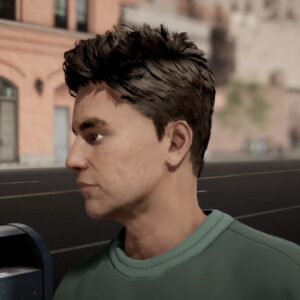
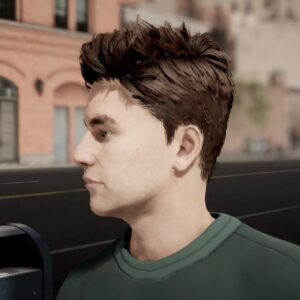
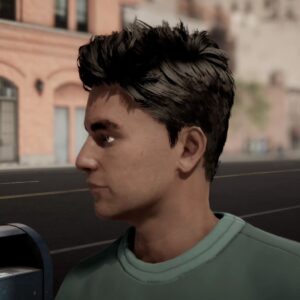
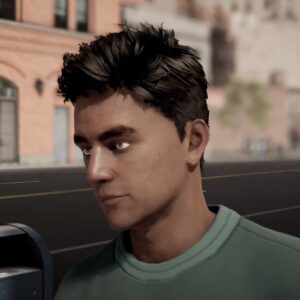
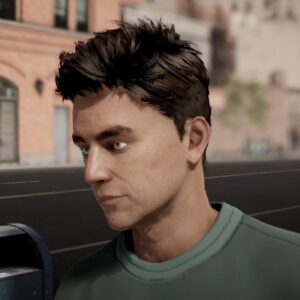
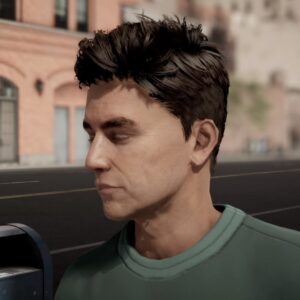
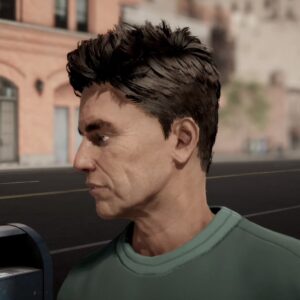
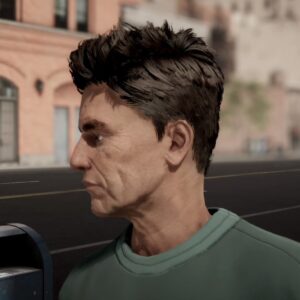
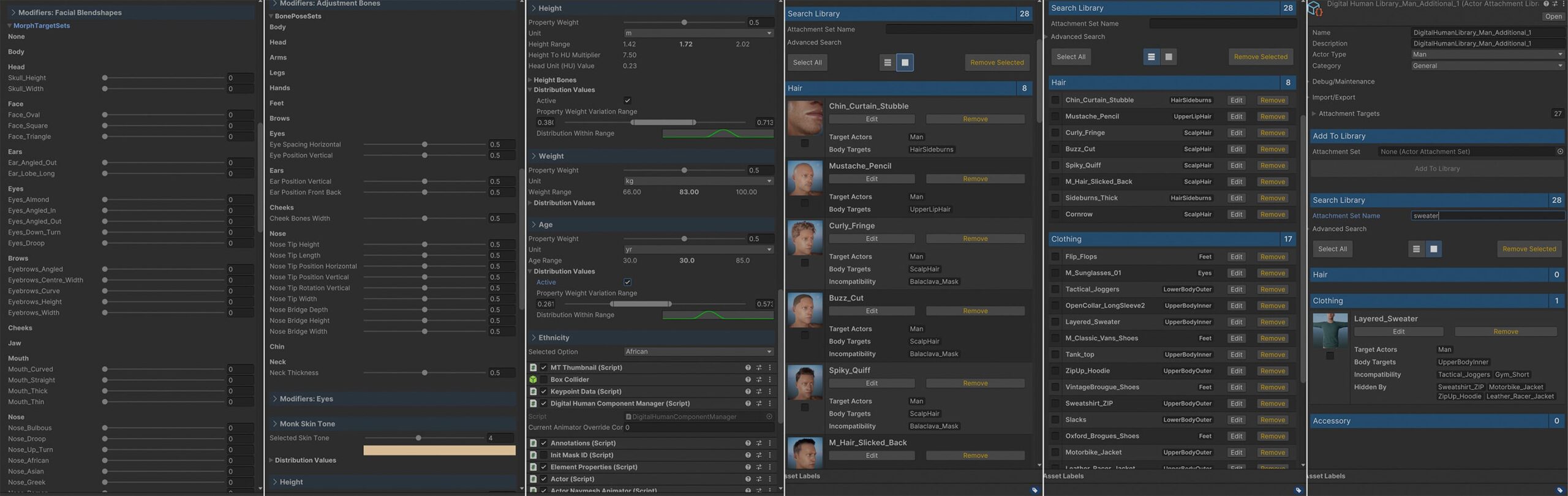
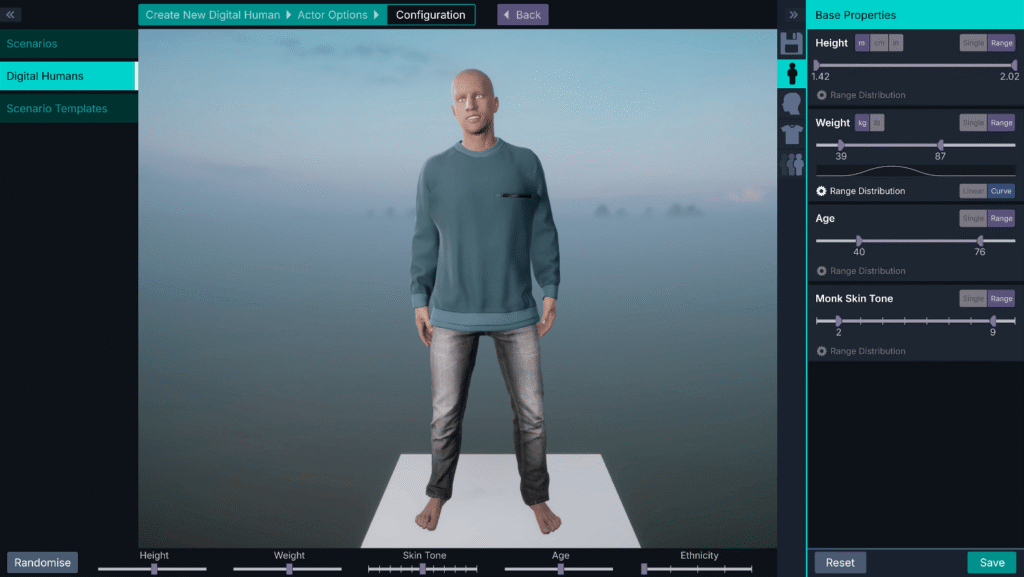
Actors have properties such as height, weight, age and skin tone which change the visual appearance via modifiers. Simple properties such as skin tone use a single modifier, in this case a material change, while more complex ones such as height use pre-computed data to adjust the bone rig in real-time.
Actor Properties and Modifiers In Detail
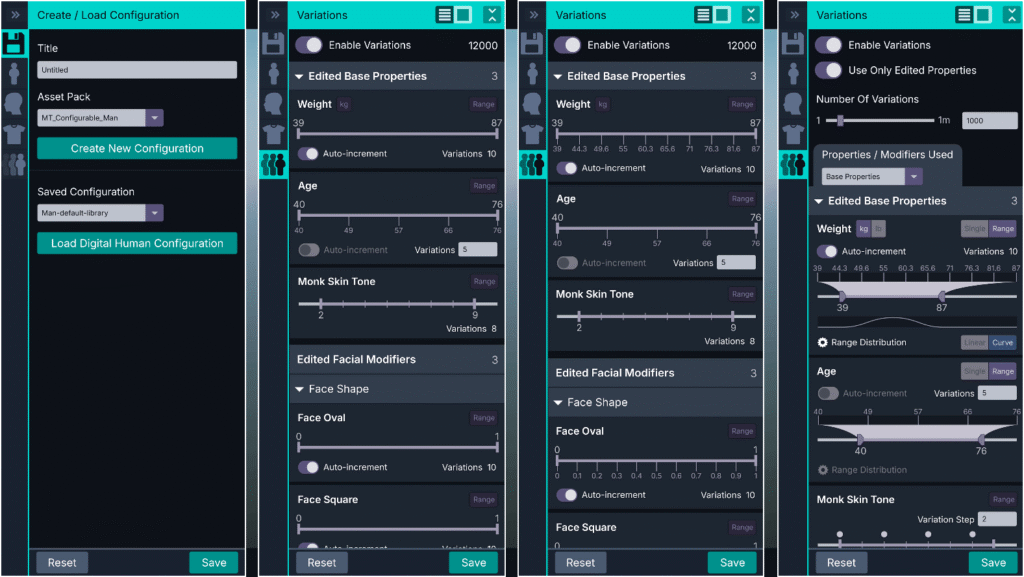
Selecting an actor in Unity Editor allows us to see the property/modifier system in more detail. Properties such as height are controlled by a single weight slider, but use pre-computed data and the relationship between modifiers to generate the appropriate visual change for the actor. A distribution curve can also be created to control how multiple actors with a range of property variations are generated.
Asset Editing Tools For Unity
One of the main goals for the Digital Humans system was to improve efficiency of the art asset production pipeline. For example, whenever we added a blend shape modifier to an actor, a matching one had to be created in all the clothing meshes it used. The Technical Art team struggled with this workload, so I developed mesh editing tools that could be used directly inside Unity Editor:
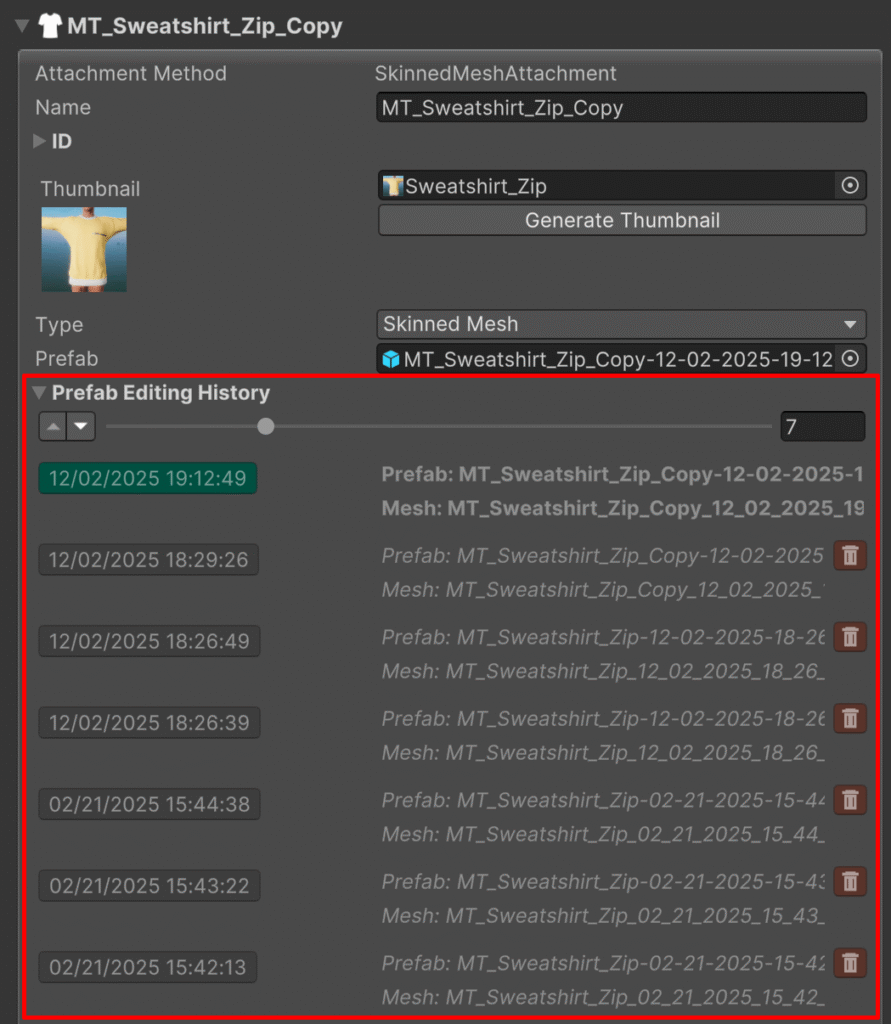
Mesh Editing History
The Unity Editor Tools includes a prefab editing history to keep track of asset changes. Users can revert to previous versions at any point.
Each edited mesh version is saved in FBX format, so can be opened in standard 3D tools if required.
I also created vertex masking tools that could be using within Unity Editor. These allow clothing assets to mask sections of the actor (or other clothing assets) at runtime:
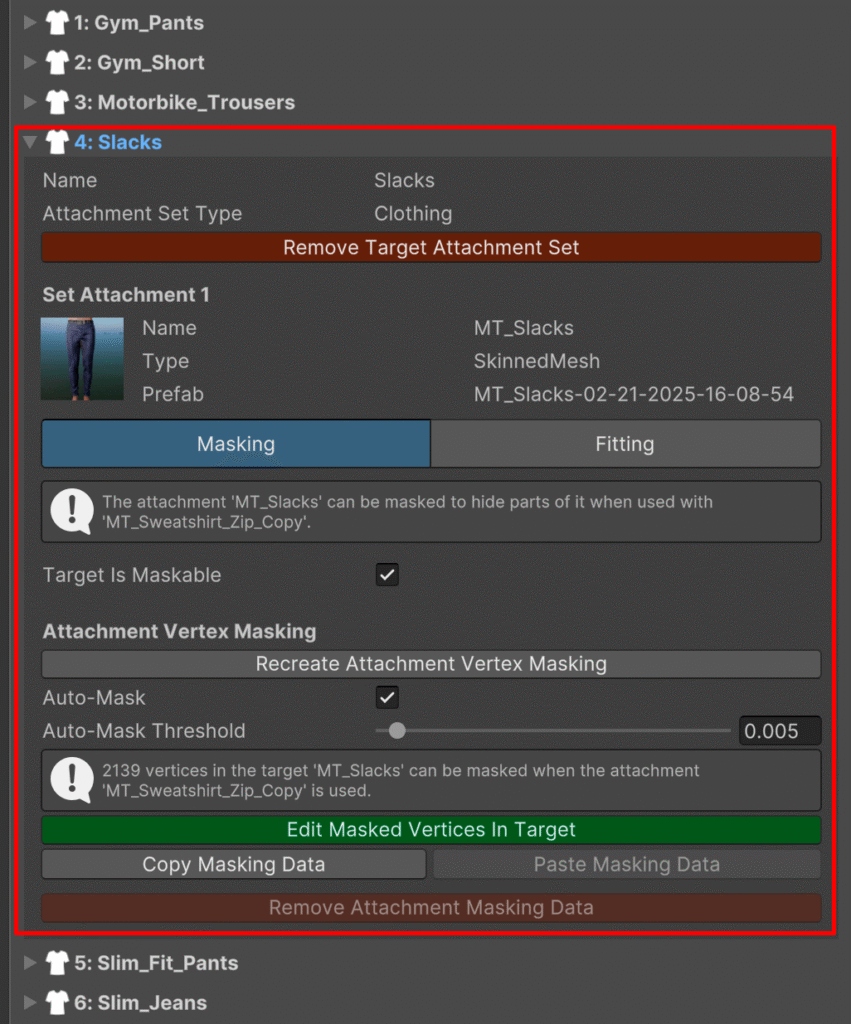
Clothing Masking and Fitting
Clothing attachments can also mask other clothing items. In this example, the sweatshirt will mask parts of the trousers when used together on the same actor.
This behaviour is created within Unity Editor, saved to the asset ScriptableObject data, then applied at runtime.
Generating Actor Variations
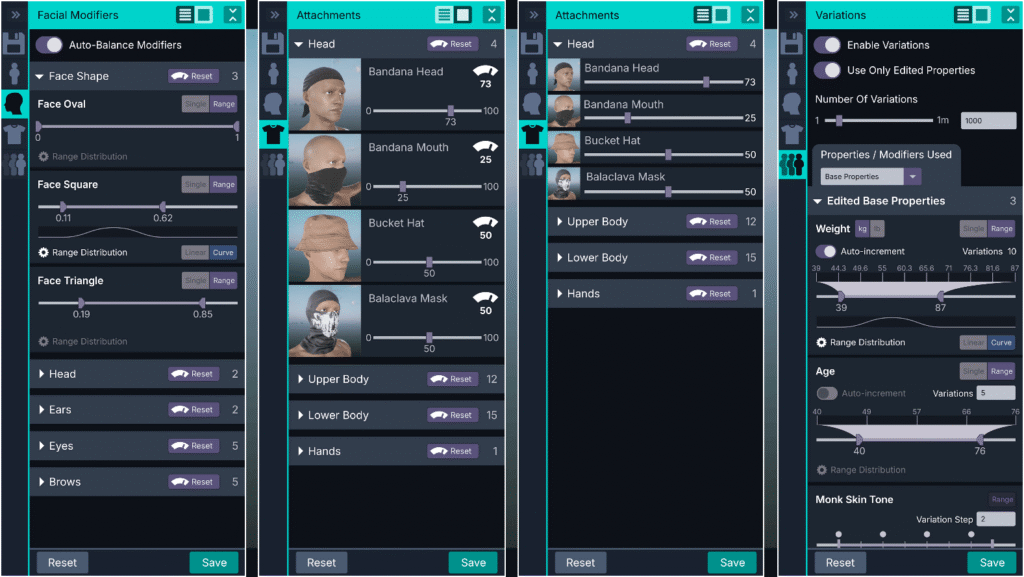
A key feature of the Digital Humans system was enabling users to generate actor variations at runtime. Actor properties such as height, weight, age, skin tone can all be deterministically randomised within set ranges/distribution curves. The same logic can be used to randomise attachments such as clothing and hair.
Actor Skin Shader
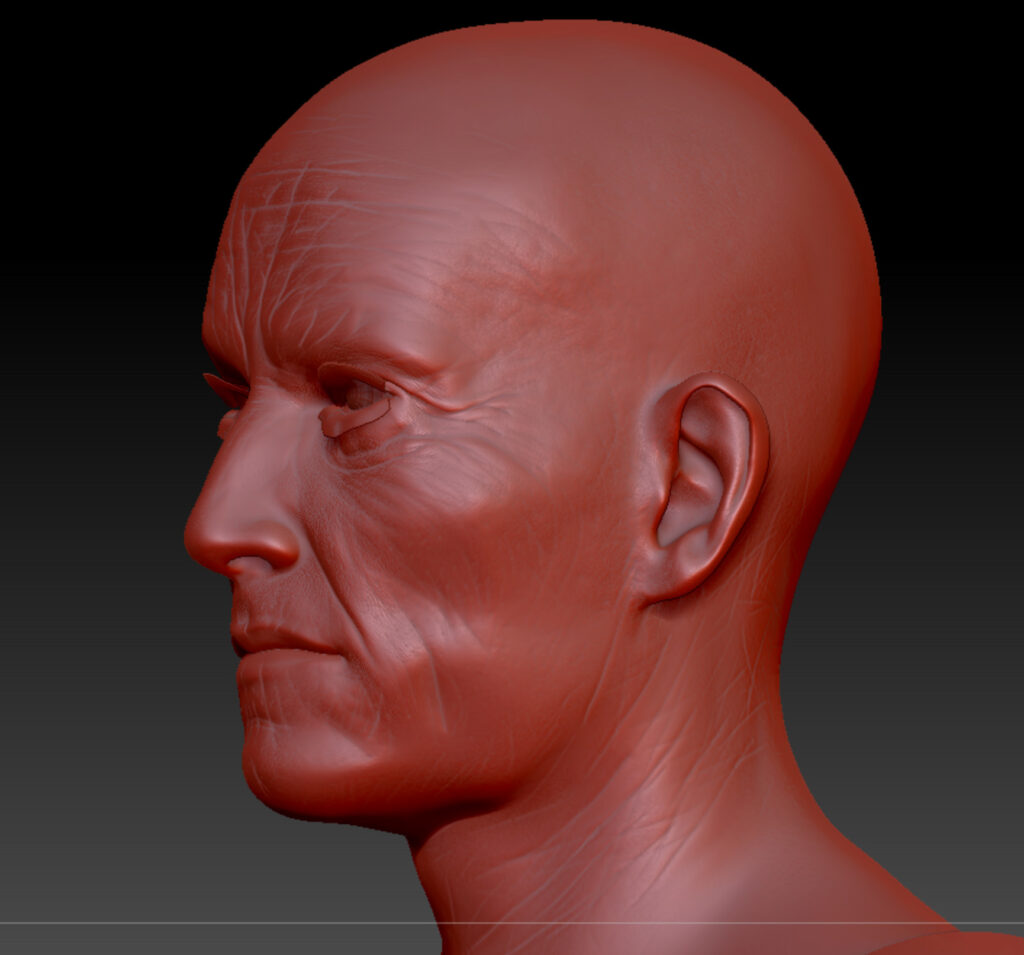
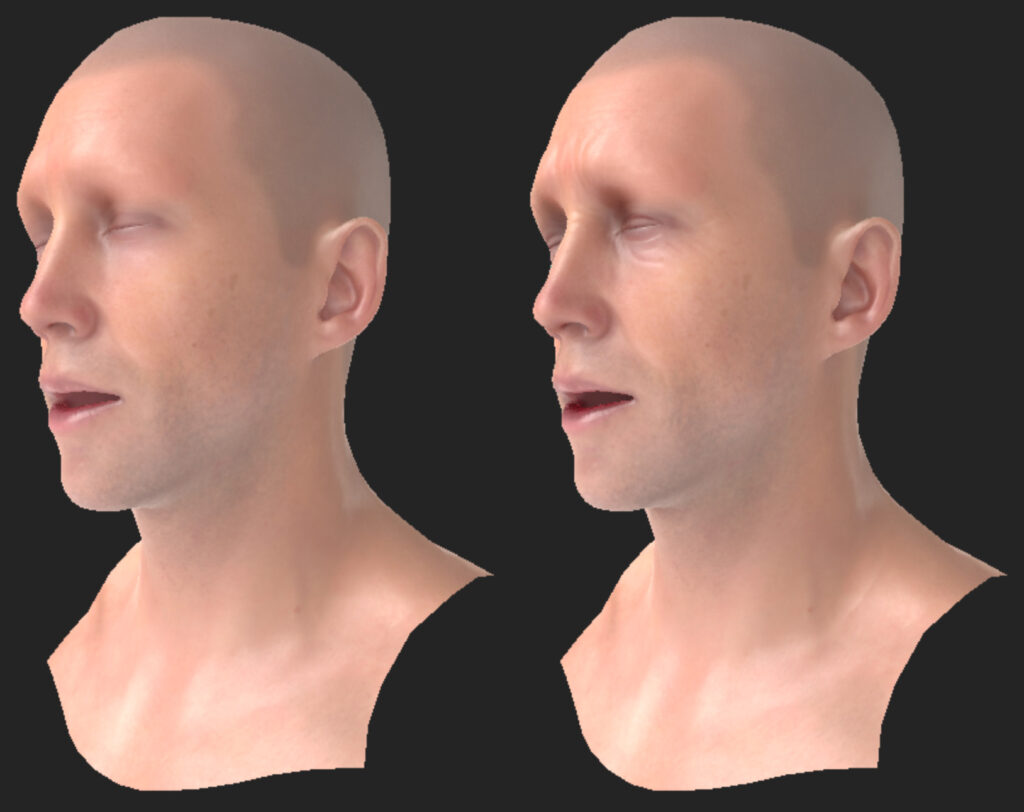
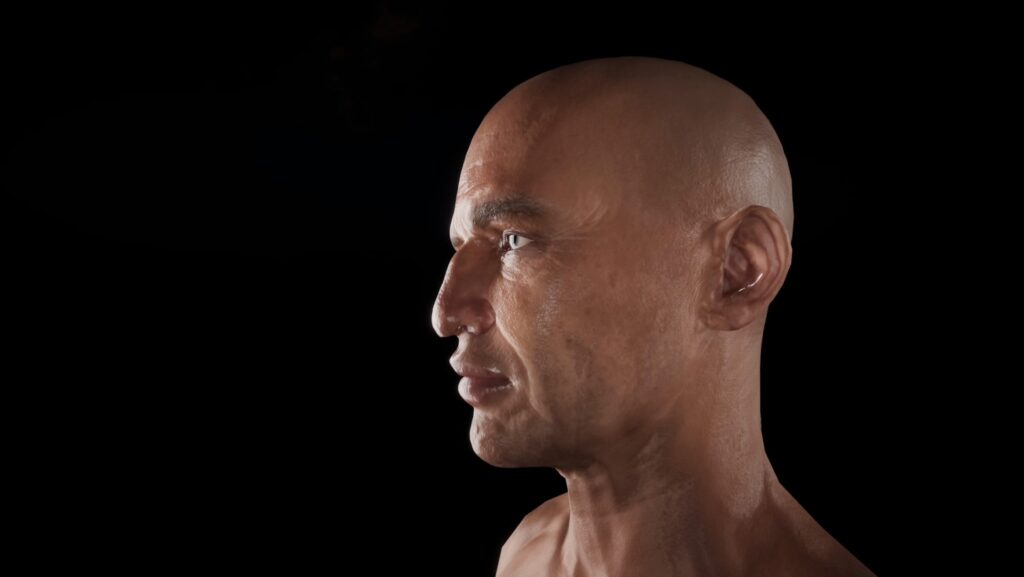
I developed a custom skin shader which included options such as tessellation for improved visual quality.
Combinations of material, texture and blend shape modifiers are used by properties such as skin tone, weight and age:
Other Editor Tool Features
The Digital Humans Editor tools has many features including the following:
- Clothing incompatibility, hiding and affinity relationship links.
- Clothing/hair attachment colour & texture sets for runtime variation.
- Reactive actor properties such as hair colour affected by age.
- Facial and body modifiers.